

Consumer Rights · Scam Alert · November 25, 2026, 1:10 PM CST
Key Facts
- Securitybrief issued a new alert: F-Secure cuts Kiren price 70% amid Black Friday scam alert
- Primary delivery channel: Web page
- How it reaches victims: Website.
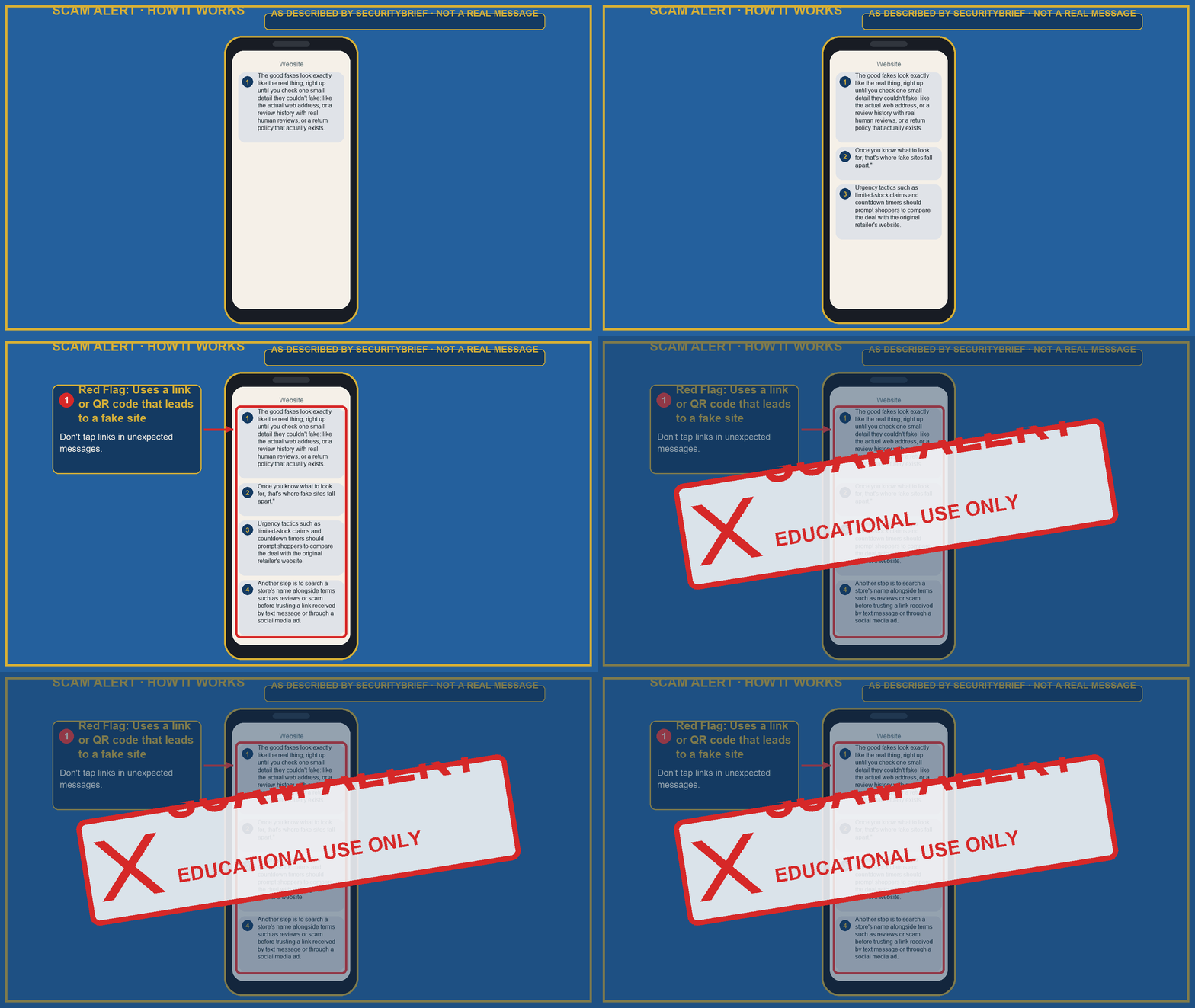
- Tactics the source describes: Uses a link or QR code that leads to a fake site.
HIGH THREAT VECTOR
Report to Federal Trade Commission (FTC) →
F-Secure cuts Kiren price 70% amid Black Friday scam alert.
Thu, 26th Nov 2026 (Today)F-Secure has launched a Black Friday promotion for its Kiren consumer security app, cutting the annual price by 70% to USD $19.99.
The launch comes with a warning about online shopping scams during the holiday period, when shoppers often move quickly between unfamiliar websites, social media ads and promotional messages. F-Secure’s latest survey of US consumers found that 71% shop online at least once a week.[1]
What the Scam Looks Like
We are contacting you about an urgent matter on your account.
1False urgency
Account Services Team · Account verification
2Borrowed identity
3Asks for login or personal details
1False urgency
Red Flag Breakdown
Each numbered badge matches one item below. “Source tactic” means the cited report describes that tactic, not necessarily the exact words shown. “Illustrative detail” means the report does not confirm that feature occurred in this case.
- False urgency. Shown in the simulation:
We are contacting you about an urgent matter on your account.
. A deadline, a threat or a countdown is there to stop you from checking. Real organizations give you time and put it in writing.Illustrative detail - Borrowed identity. Shown in the simulation:
Account Services Team · Account verification
. The sender uses the name of an organization you may trust. Anyone can print or type a name; it proves nothing about who sent it.Illustrative detail - Asks for login or personal details. Shown in the simulation:
Password and Social Security / card number fields
. A real organization does not ask you to type a password, code or Social Security number into a message or a page.Illustrative detail
How to Protect Yourself
- Don’t click links or scan QR codes in unsolicited messages. Type the organization’s real address into your browser instead.
- Verify any unexpected contact through a phone number or website you already know is real — never one provided in an unsolicited message.
- Never send funds via gift card, wire transfer, cryptocurrency, or peer-to-peer payment apps to resolve an unexpected demand.
- Do not click links or scan QR codes in unsolicited emails or text messages claiming urgent account problems.
How to Verify This Yourself
Read the original advisory and documentation directly at Securitybrief. Official bulletins from Securitybrief serve as the primary source for the alert details above. To verify ongoing fraud trends or report suspicious correspondence targeting your household, visit ReportFraud.ftc.gov or submit an incident report directly to the FBI Internet Crime Complaint Center (IC3).
References
Investigative methodology: this update was produced by scripts/scam_monitor.py from a real Securitybrief alert — not a language model. The reported facts above are drawn from the cited source. The labelled scam simulation is a fictional reconstruction based on the reported channel and tactic, not a screenshot or a transcription of an actual message unless its caption explicitly identifies quoted source wording. All sender identifiers and web addresses in it are synthetic and non-clickable. Protection tips come from fixed rules.

Kemetic Minds Editorial Desk
Verified NewsroomPrimary-sourced investigative intelligence on civil rights, voting rights, federal policy, and consumer protection. Sourced from primary legal filings, government statistics, and direct field reporting.